Objective
In this course, attendees will learn the Android operating system internals and how to develop and customize Android for embedded systems.
Detailed agenda
- Introduction to the Android operating system: history and releases of Android, Android in embedded systems, advantages and challenges, AOSP, variants and derivatives, release life cycle, software licenses, certification and compatibility, basic components of the operating system.
- Android source code: the Android Open Source Project (AOSP), repo tool and git repositories, manifest file, AOSP forks and derivatives, source code directory organization, source code browsing, AOSPXRef, Android Code Search.
- Android build system: the Android build system, makefiles (Android.mk) and Blueprint files (Android.bp), the Soong, Ninja and Kati tools, the (canceled) migration to Bazel, product, release configuration and build variant, lunch command, compiling Android, generated images, other build commands, Android Emulator (Goldfish) and Cuttlefish.
- Operating system architecture: characteristics and hardware requirements for using Android, bootloader, Generic Bootloader (GBL) and fastboot, Linux kernel changes for Android (binder, ashmem, wakelocks, Low Memory Killer, etc), GKI (Generic Kernel Image), file system organization, partitions and mount points (ramdisk, system, system_ext, data, vendor, odm, product, etc), dynamic partitions (super), main file system directories, GSI (Generic System Image), security and sandboxing on Android, remote updates, ADB.
- Products: product concepts, creating a new product, customizing the product, adding applications and files, resource overlays, defining properties, board makefile, registering the product, inspecting product variables (get_build_var).
- Android native layer: native layer libraries and applications, programming languages (C, C++ and Rust), C library and Bionic, toolbox, toybox and busybox, shell, daemons (ueventd, vold, rild, netd, installd, logd, tombstoned, etc), investigating a daemon (strace), logcat, command line utilities.
- Android boot process: overview of the boot process, Android startup, the init process and its stages, the init.rc configuration file, .rc files of APEX modules, boot actions and triggers, services and daemons started at boot time, system properties management, Android Runtime and the virtual machine (ART), Zygote, System Server.
- Build modules: Android build system modules (libraries, applications, etc), creating makefiles (Android.mk), creating Blueprint files (Android.bp), compiling and installing modules.
- Hardware abstraction layer: hardware abstraction on Android, HAL (Hardware Abstraction Layer) architecture, association between HALs and system services, HAL as a shared library (up to Android 7), Project Treble, HAL as a service (starting from Android 8), HIDL and AIDL, CTS and VTS, VINTF object (manifest fragment and framework compatibility matrix), interface versioning, implementing an AIDL HAL in C++ for a serial port device.
- Android framework: Android framework components, system services, services and processes (surfaceflinger, drmserver, mediaserver, cameraserver, etc), System Server, binder and the communication with system services, Android framework commands and utilities, modifying the framework.
- Extending the framework: reasons to extend the Android framework, implementing a system service in Java, defining the service interface with AIDL, JNI concepts, accessing the HAL via JNI, creating an API (Manager class) to access the service.
- Android applications: basic characteristics of an Android application, application components (activities, services, broadcast receivers and content providers), manifest file, intents and communication between components, processes and threads of an Android application, application life cycle, memory management, security and permissions, NDK, distributing applications, developing a dedicated application (kiosk mode), Launcher application, lock task mode.
- Additional resources: additional resources and links, book recommendations, final questions and comments, closing.
For more details on the content of this training, you can download the agenda and the slides (in Portuguese).
Additional information
Students, engineers and developers interested in the internal workings of the Android operating system and the process of porting and adapting the Android source code to an embedded system.
Basic knowledge of GNU/Linux systems, shell command line and Git. Although not essential, minimal knowledge of embedded Linux and C, C++ and Java languages is recommended.
The course material contains the slides of the presentations, the book of activities and exercises, reference guides, and additional reference documents. All materials will be provided in an electronic format at the start of the training session.
This training does not require any development kit or additional hardware, since the exercises run on the Android emulator (Cuttlefish) by default. If required by the contracting company, the training can be ported to any hardware platform supported by Android.
The training can be presented in the following languages: Brazilian Portuguese and English.
If you plan to train your team or a group of people, consider a training session inside your company. In an in-company training session, the company is responsible for providing the necessary resources needed for the training, including the training room, data projector and development machines. This model also brings big advantages for the company, since the cost of transportation and accommodation of several employees is reduced only to the instructor. If your company has a special requirement, we can study a program that meets your needs, like preparing the training material for a specific hardware platform or developing additional content. Don’t hesitate to get in touch via email or the contact page .
Open training sessions are presented in a pleasant environment, with a properly equipped laboratory and Internet access. Classes are usually presented full-time, with a stop for lunch and a coffee break in the morning. If you are interested in attending an open session but there are no classes available, send a message via the contact page and we will notify you as soon as new classes open.
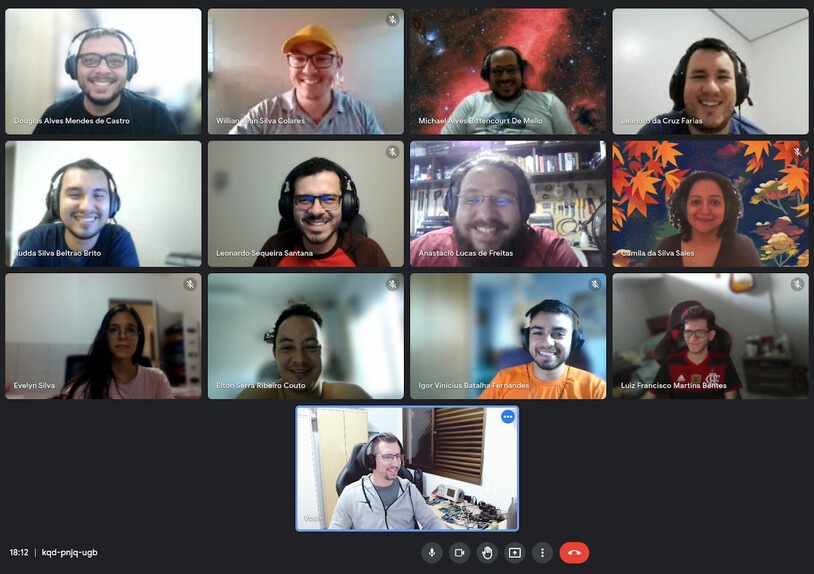
This training can be executed in a remote/online environment. Online training is presented live on a virtual meeting platform like Google Meet or Zoom.
Photos gallery
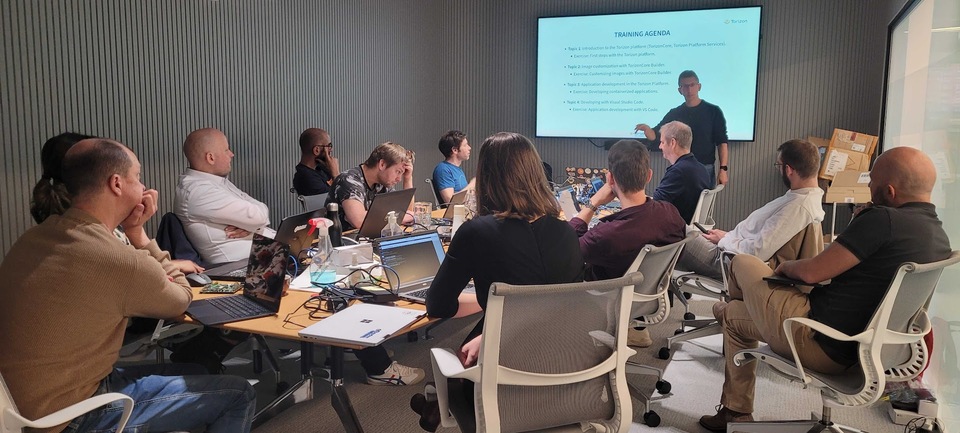
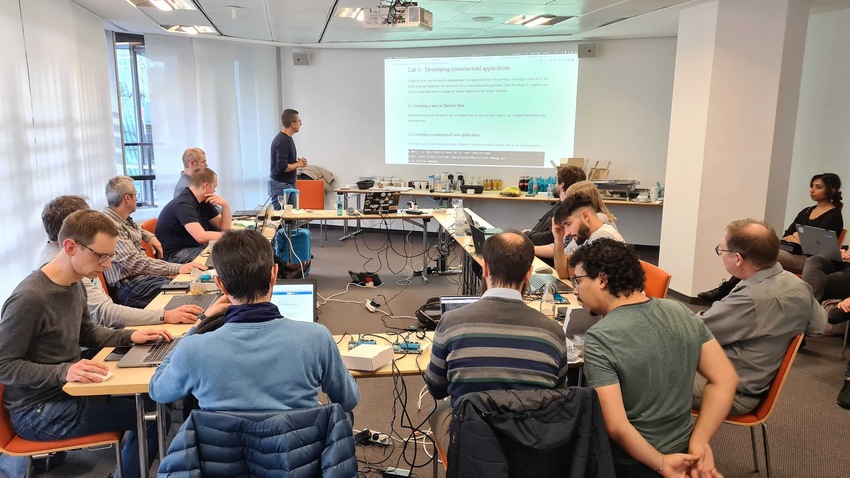
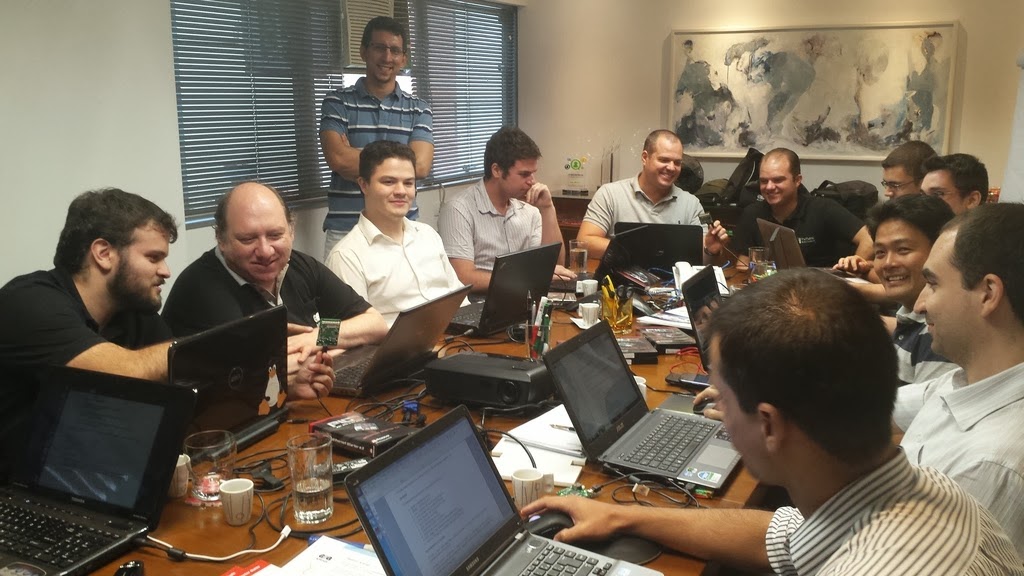
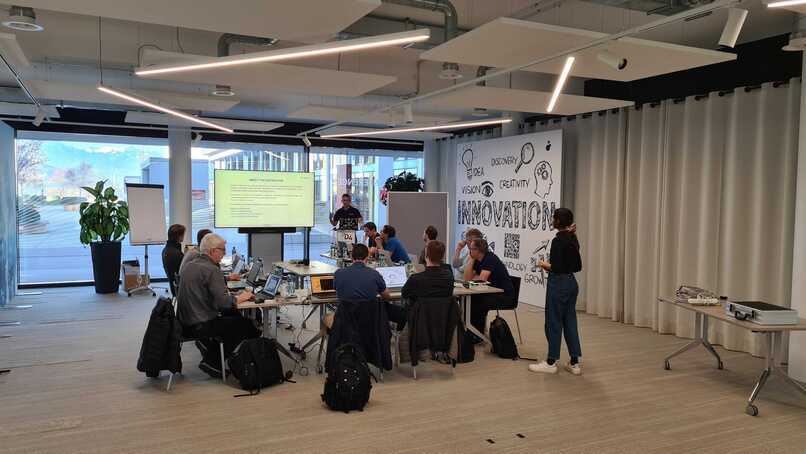
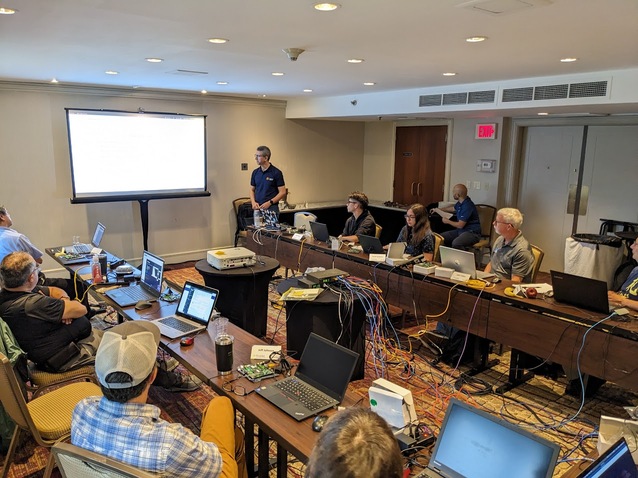
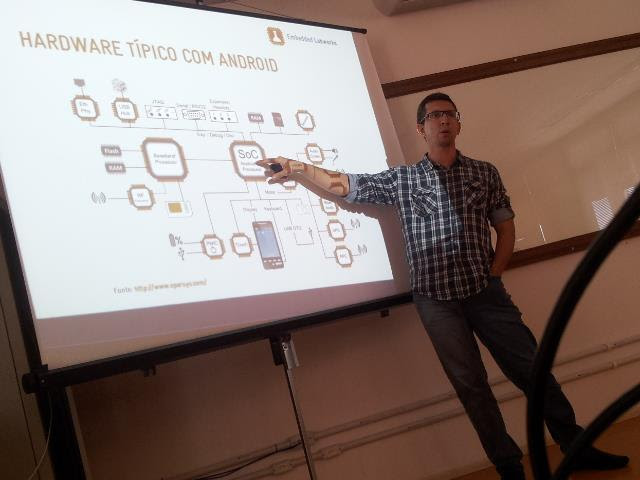
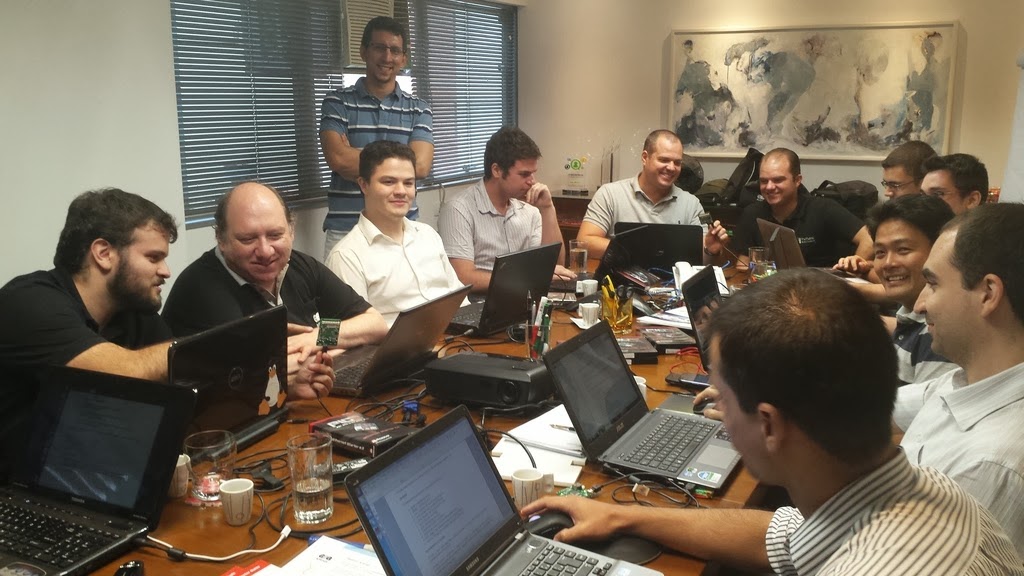
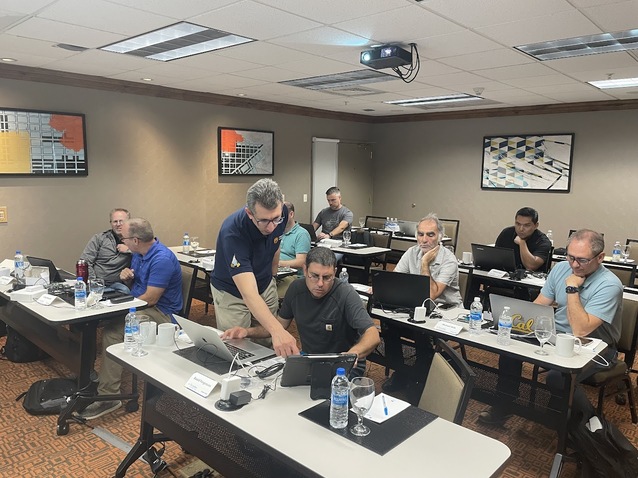
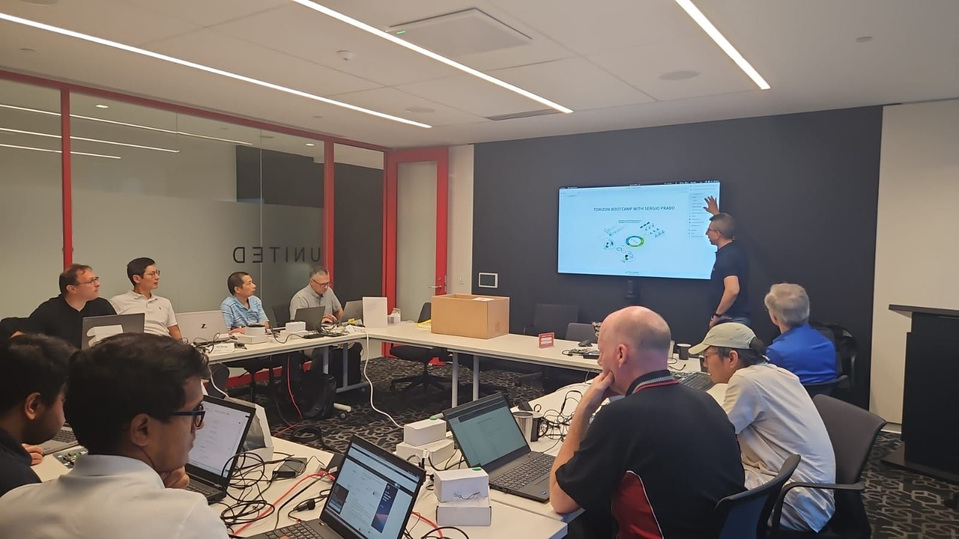
Some pictures from previous training sessions: